
Overview
Access Codes allow existing users to access specific content through the redemption of codes that update their permissions within the Wisetail LMS. This functionality enables a user to access one or more pieces of content with their existing user profile.
Details
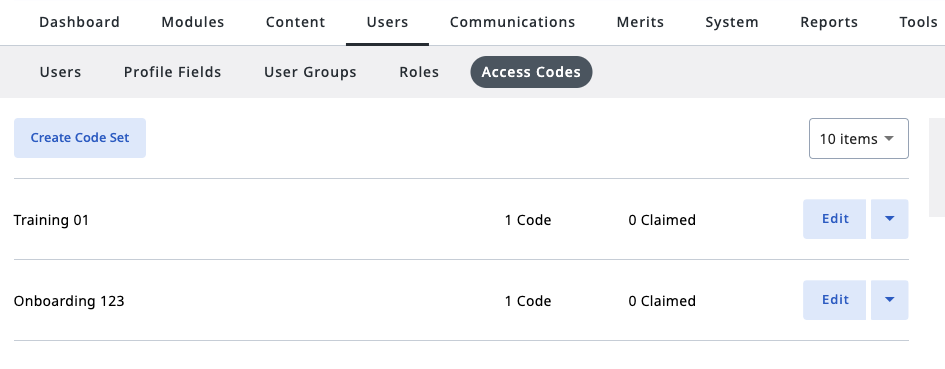
- Registration Codes are now called Access Codes, and are located under Users.
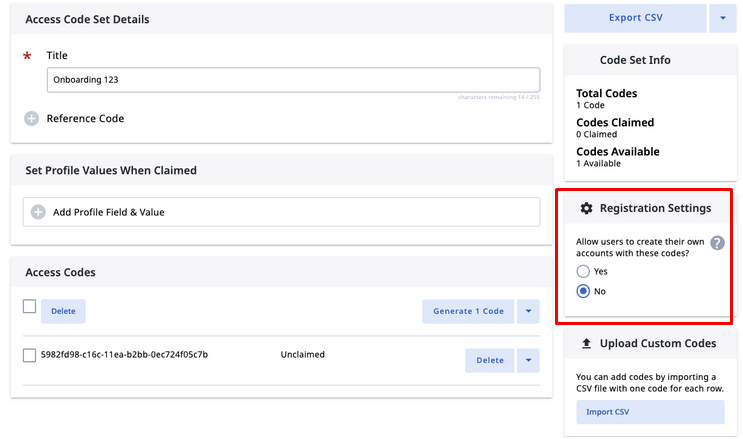
- New feature - Registration Settings.
- By default, “No” is selected, and the codes can only be used in “Redeem Access Code” widgets.
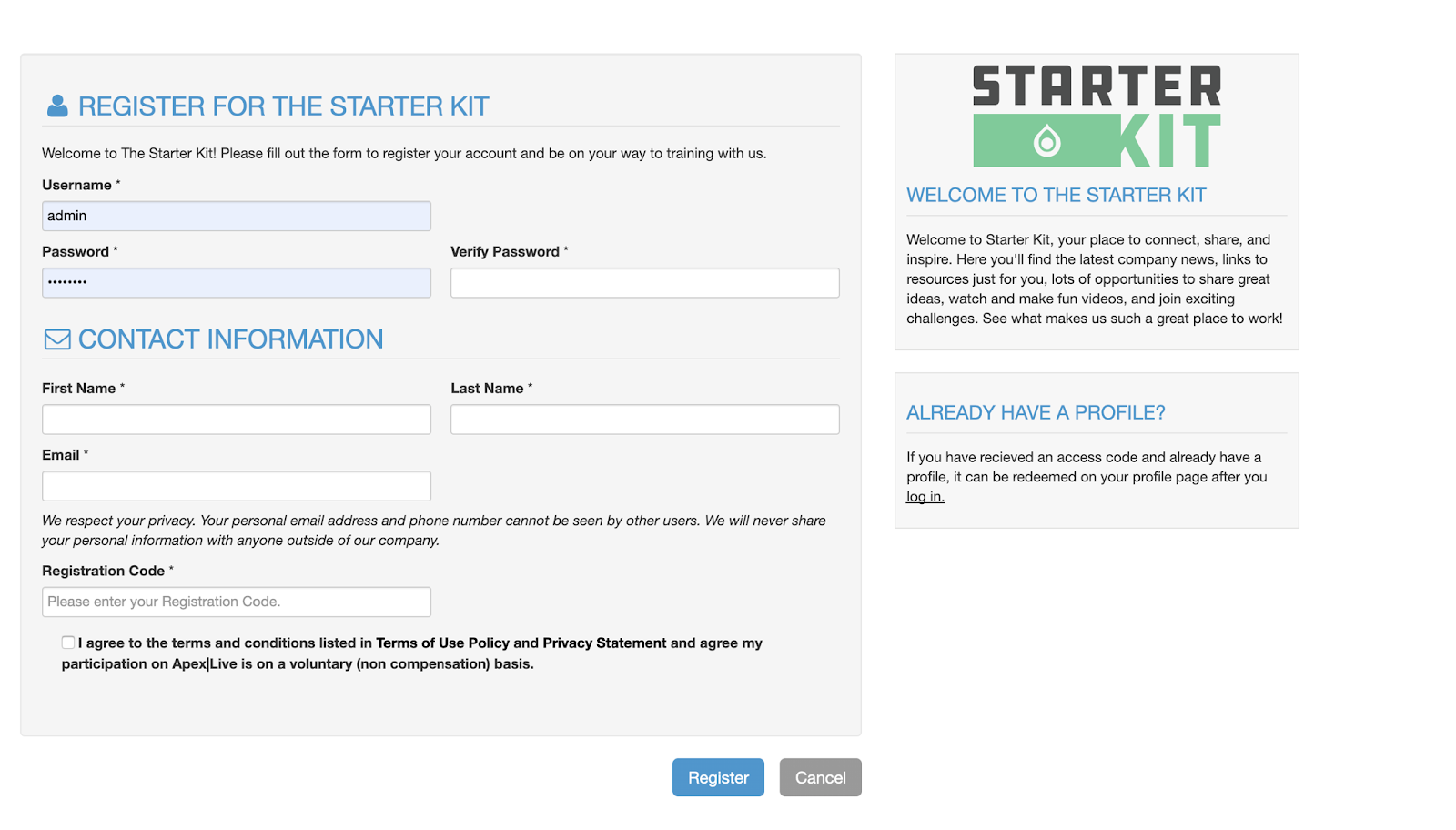
- Selecting “Yes” makes it so that codes can be used on both registration pages and “Redeem Access Code” widgets.
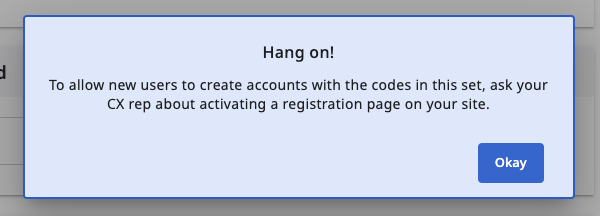
- If your site does not have Registration Page active, the following notification will appear:
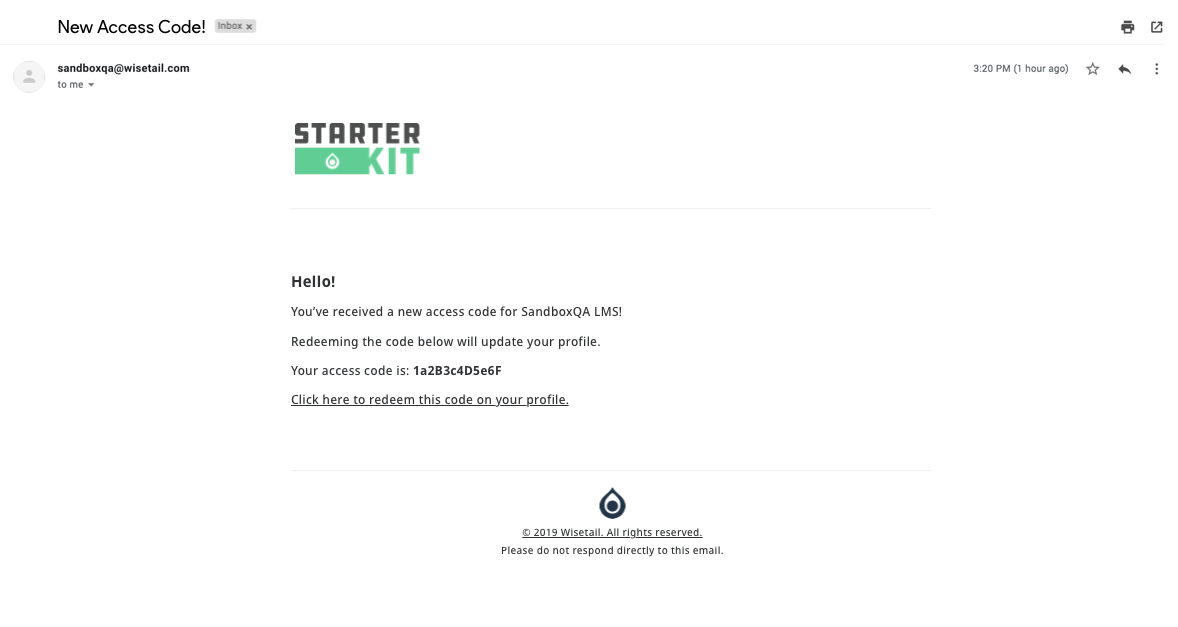
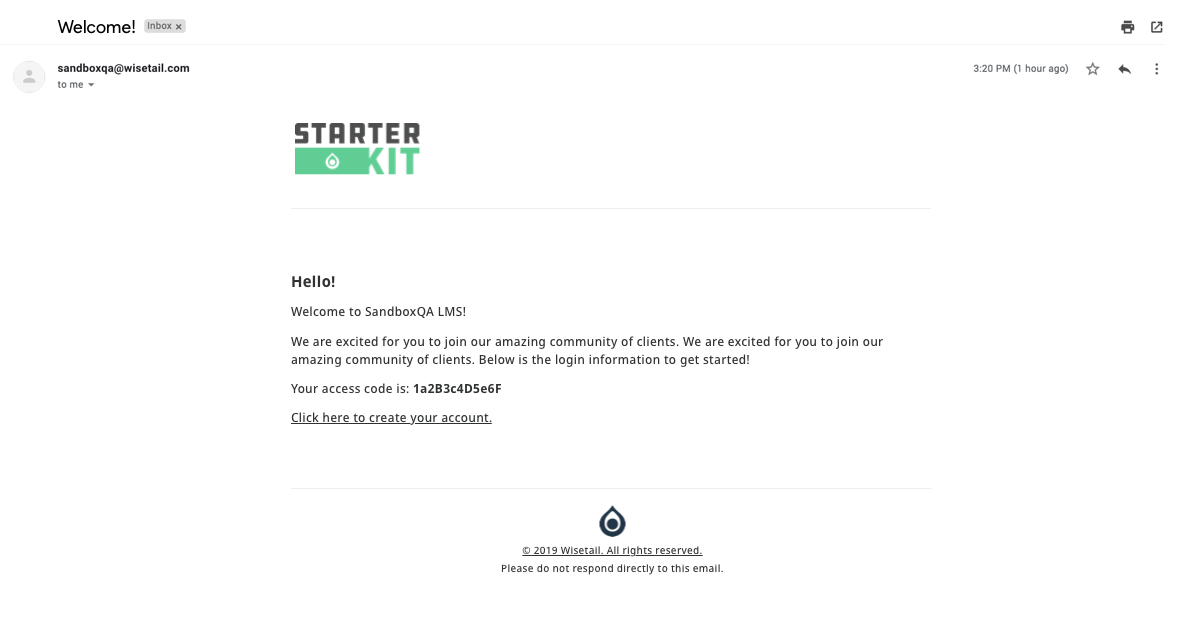
- Email access code
- Send access code in welcome email
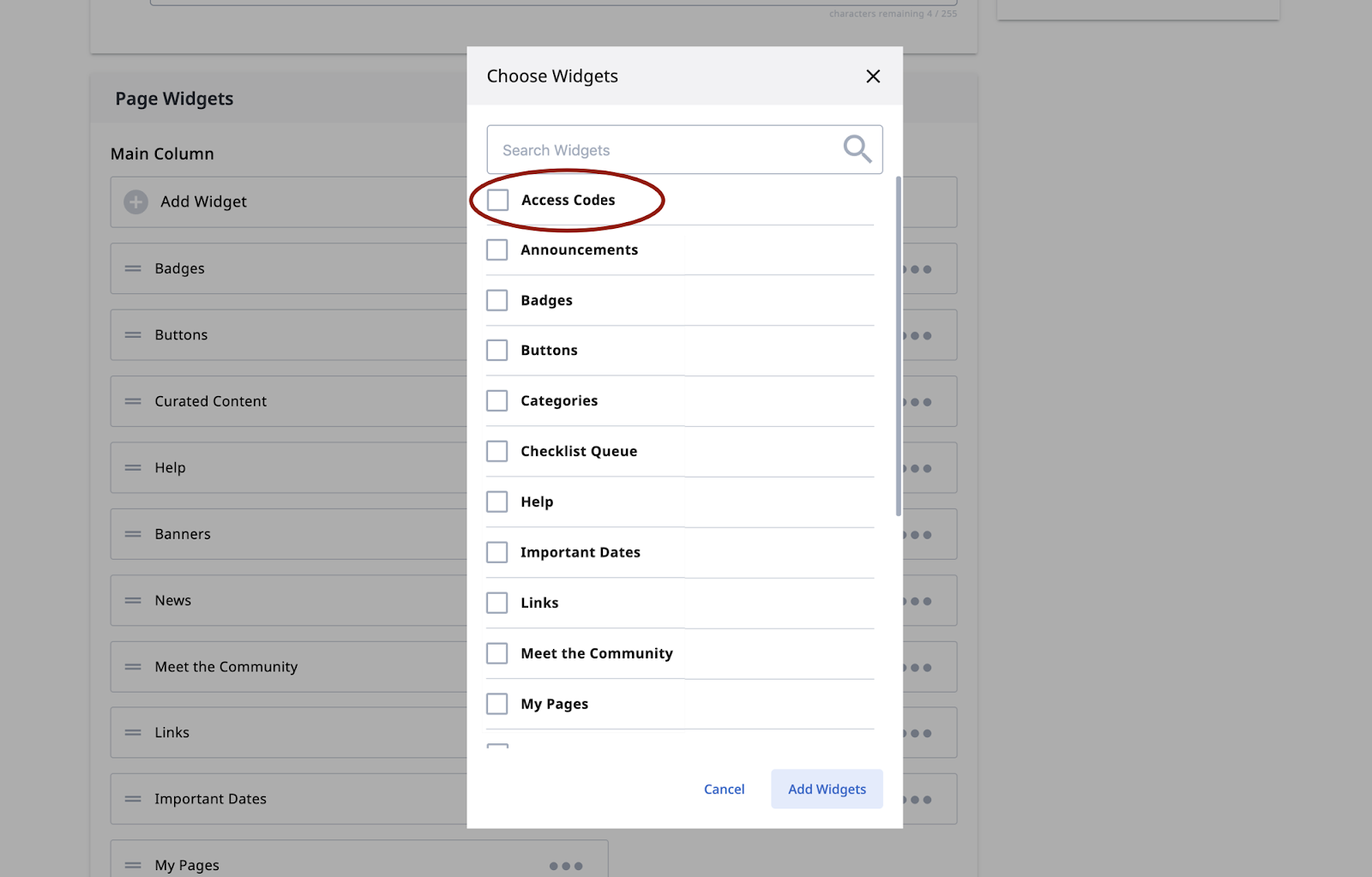
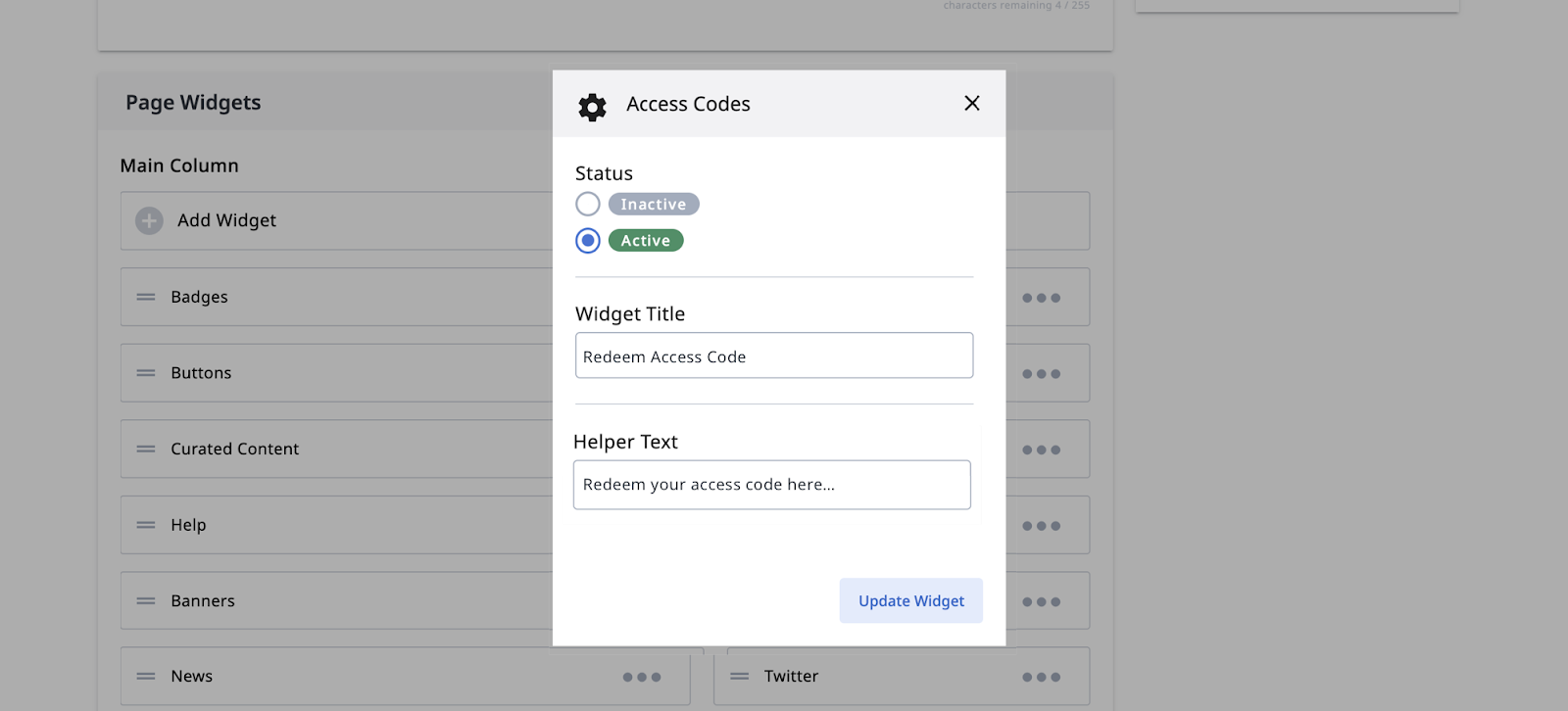
- Adding Widget
- Access Codes can be added to any configurable page, but only as a right column widget.
- It will appear in the list view modal as “Access Codes”
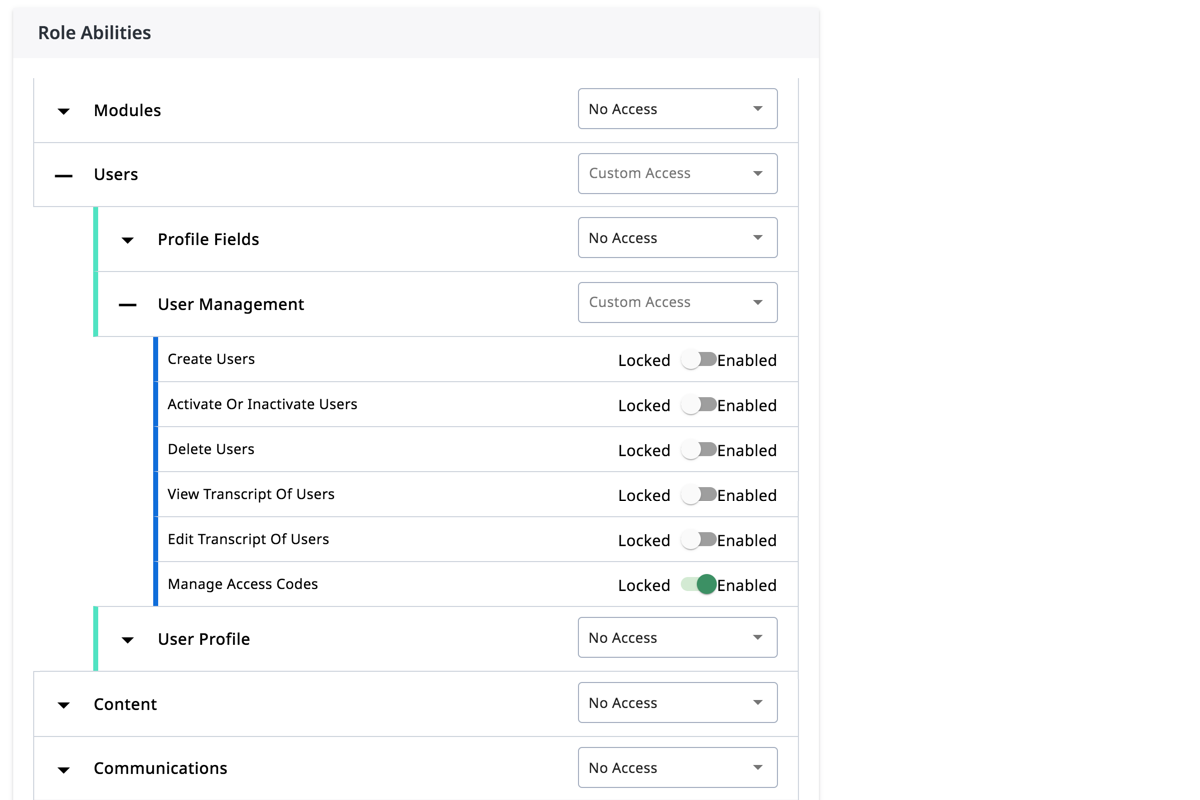
- Role: Manage Access Codes
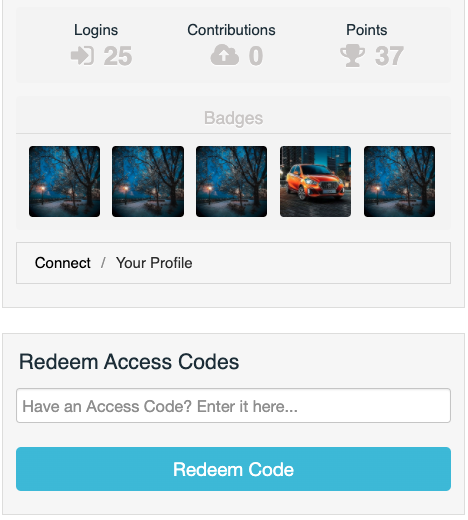
- The Learner tool has a Redeem Access Code widget to the profile page to ensure that there is a place to redeem an access code if the page widget hasn’t been added to a configurable page.
- Learner tool Registration Page
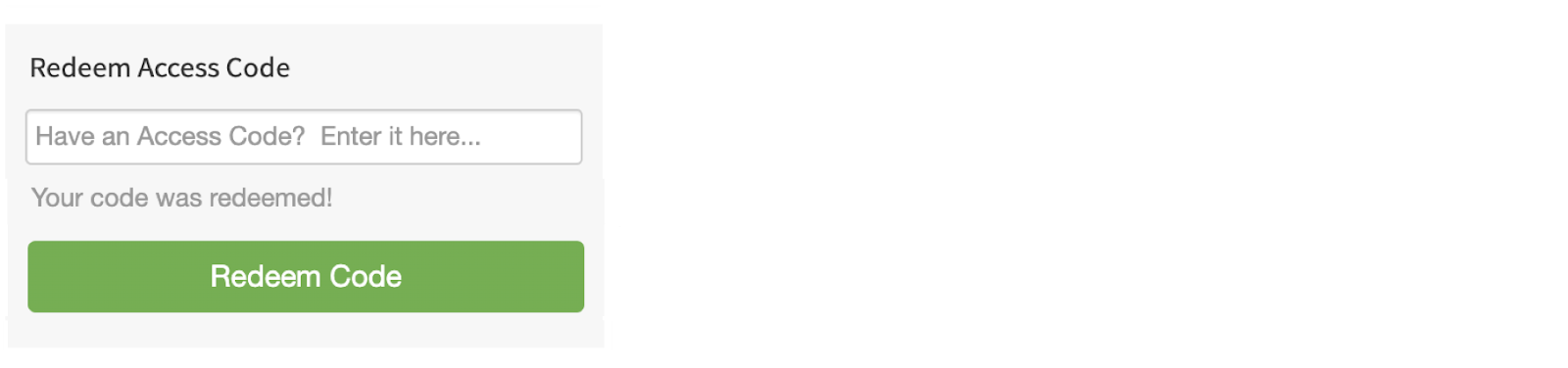
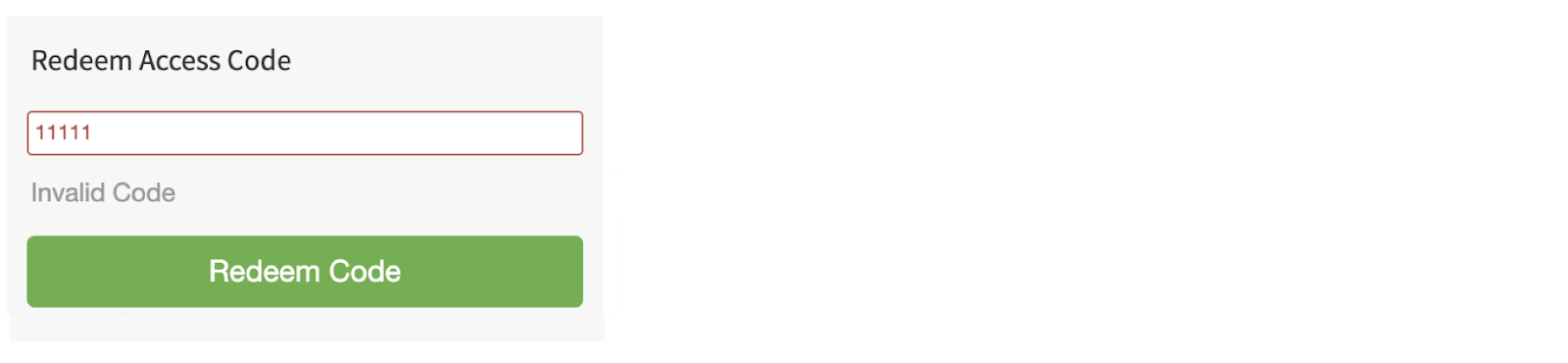
- How it looks when an Code is Accepted/Rejected:
- You can download the access codes, along with which user (if any) has utilized a specific code via the "Export CSV" button on the top right corner of the page.
Last Enhanced 2020 July